
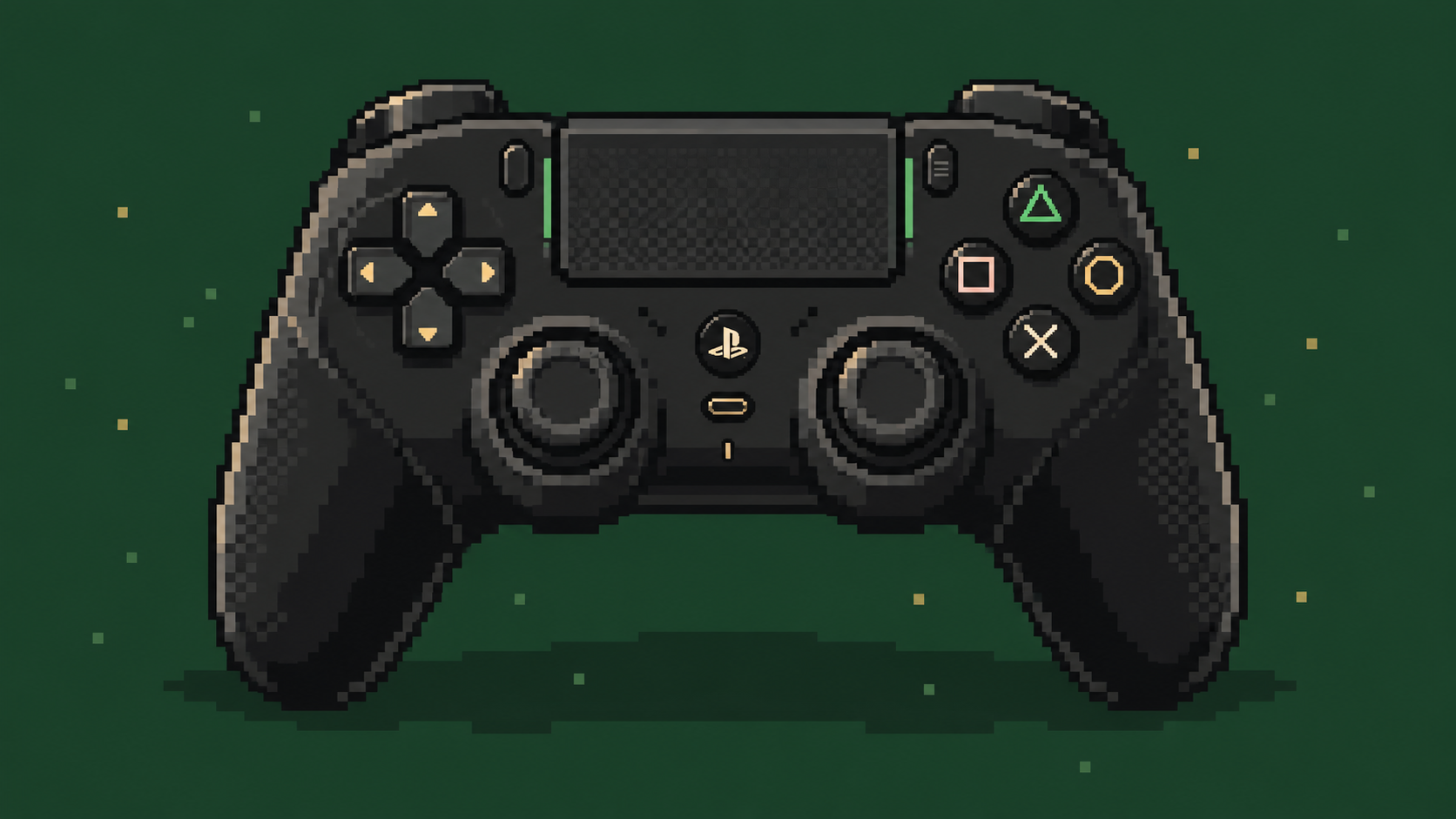
I picked up the Razer Raiju V3 Pro recently. After playing with the button layout and swapping the thumbsticks, I’ve settled on a setup that feels just right.
The two extra thumbsticks didn’t stay in the box for long. I put the short dome on the left for getting around and the tall one on the right for aiming. The standard ones are the spares now.
I’ve also found a use for all four back buttons and both extra bumpers. Here’s how I have them set up.
Around the back
Left and right are from my side while holding the controller.
- Bottom right → R3
- Bottom left → L3
- Top right → X (cross)
- Top left → O (circle)
The bottom pair takes care of the stick clicks, with L3 on the left and R3 on the right. Cross and circle sit just above them.
The extra bumpers
- Right extra bumper → Menu button
- Left extra bumper → Triangle
The right extra bumper opens the menu, which is handy for checking the map and finding my bearings. It gets a little more use than just the occasional trip to settings. Triangle has the left one, useful for entering cars or hopping on horses!
The thumbsticks
On the left, the short dome cap. This is the rounded one I use for walking, running and strafing. Its shorter height means less thumb travel to push the stick over, and my thumb can roll across the top when changing direction. It feels really nice under my thumb, too.
On the right, the tall concave cap. This one handles aiming. The extra height gives my thumb more distance to work with for the same stick angle, which helps with small adjustments. The dip in the top gives it somewhere to rest while I line things up.
The tall one still leaves the aiming to me. It just gives me a little more room to get it right.
All set. Now to open the map and immediately forget which way I was going.